 SCPilot
SCPilot
SCPilot
SCPilot is a plain, graphical SCP/SFTP app for the Mac. Your Mac on the left, your server on the right – drag files across and you're done. No clutter, no learning curve.
Download on the Mac App Store €4.99 once · no subscription · English and German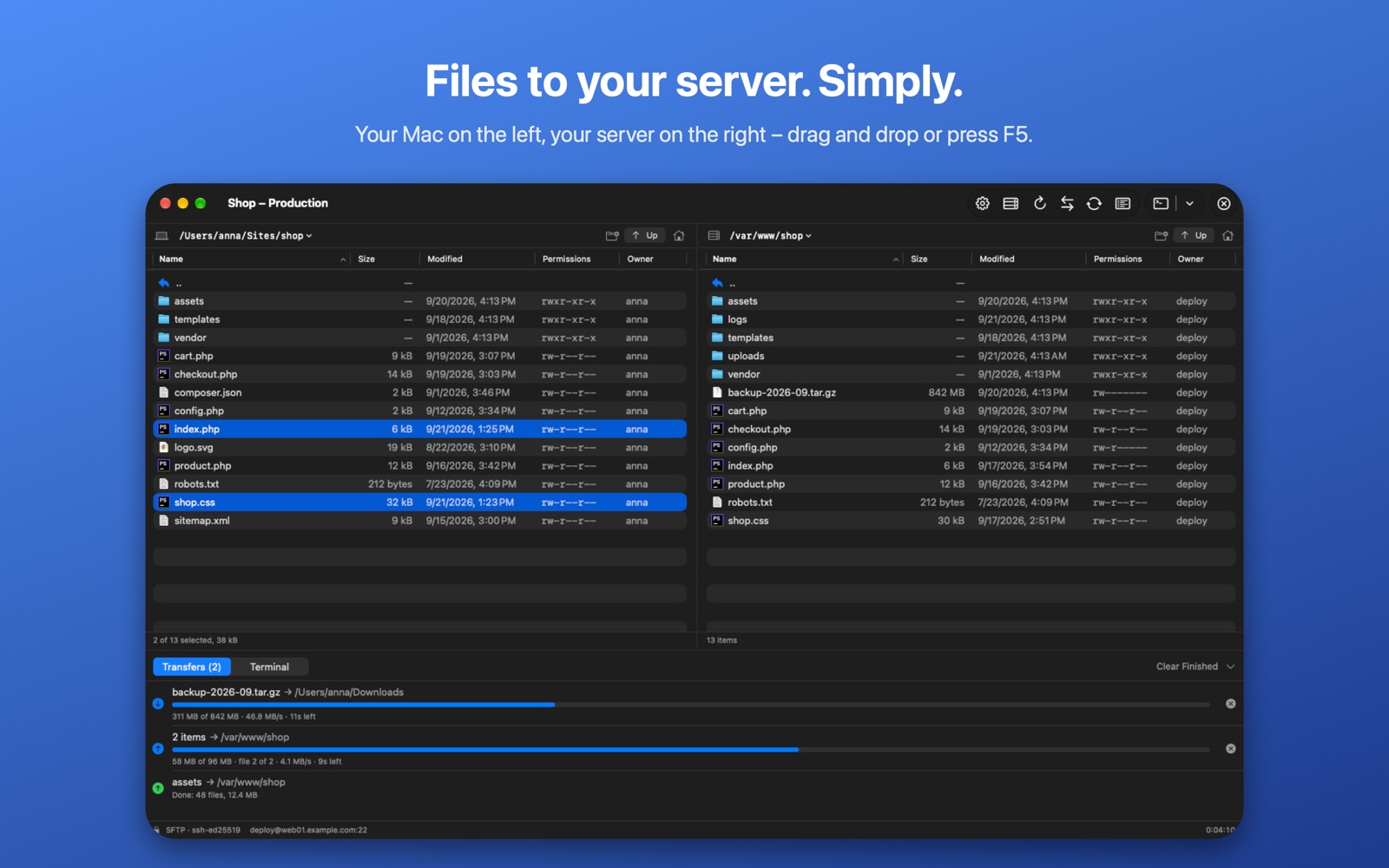
SCPilot does the few things you do every day with a server – and does them simply.
Local files on the left, the server on the right. Drag and drop, or press F5 to copy the selection across.
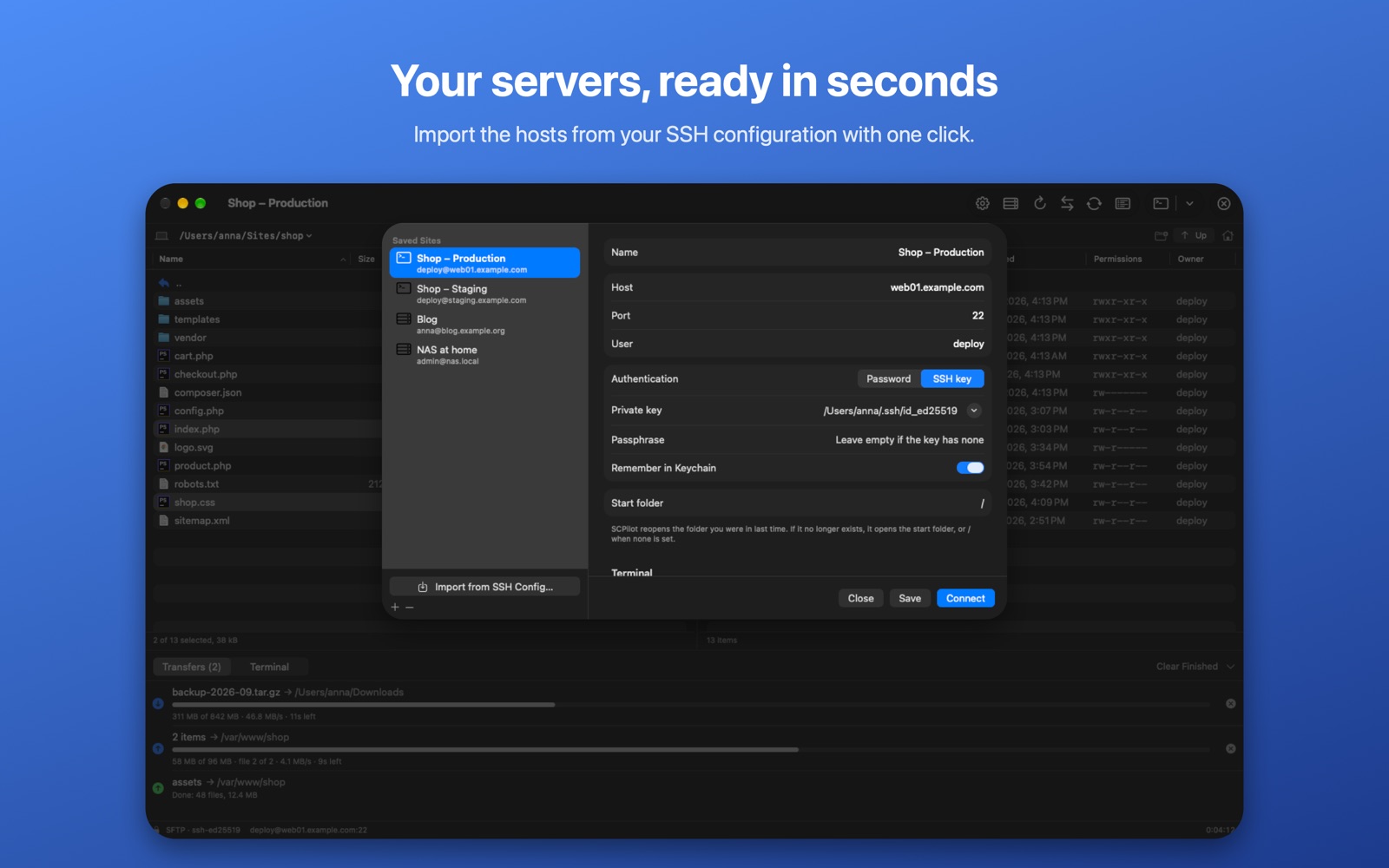
Pick the hosts from ~/.ssh/config and SCPilot takes over address, user, port and key.
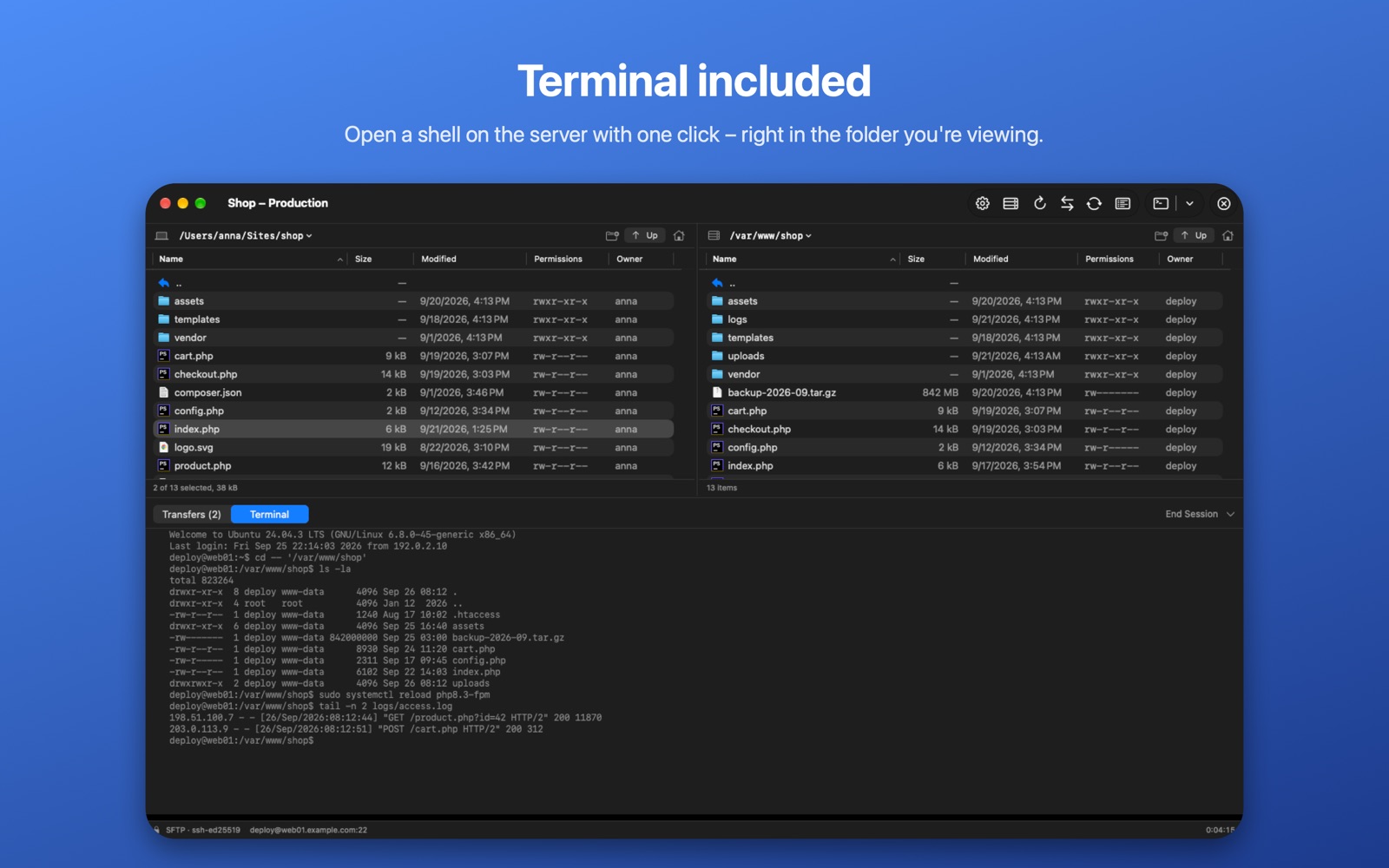
Open a shell on the server with one click – in the built-in terminal, Terminal or iTerm2.
Double-click a file, edit it in your favourite editor, and it's uploaded every time you save.
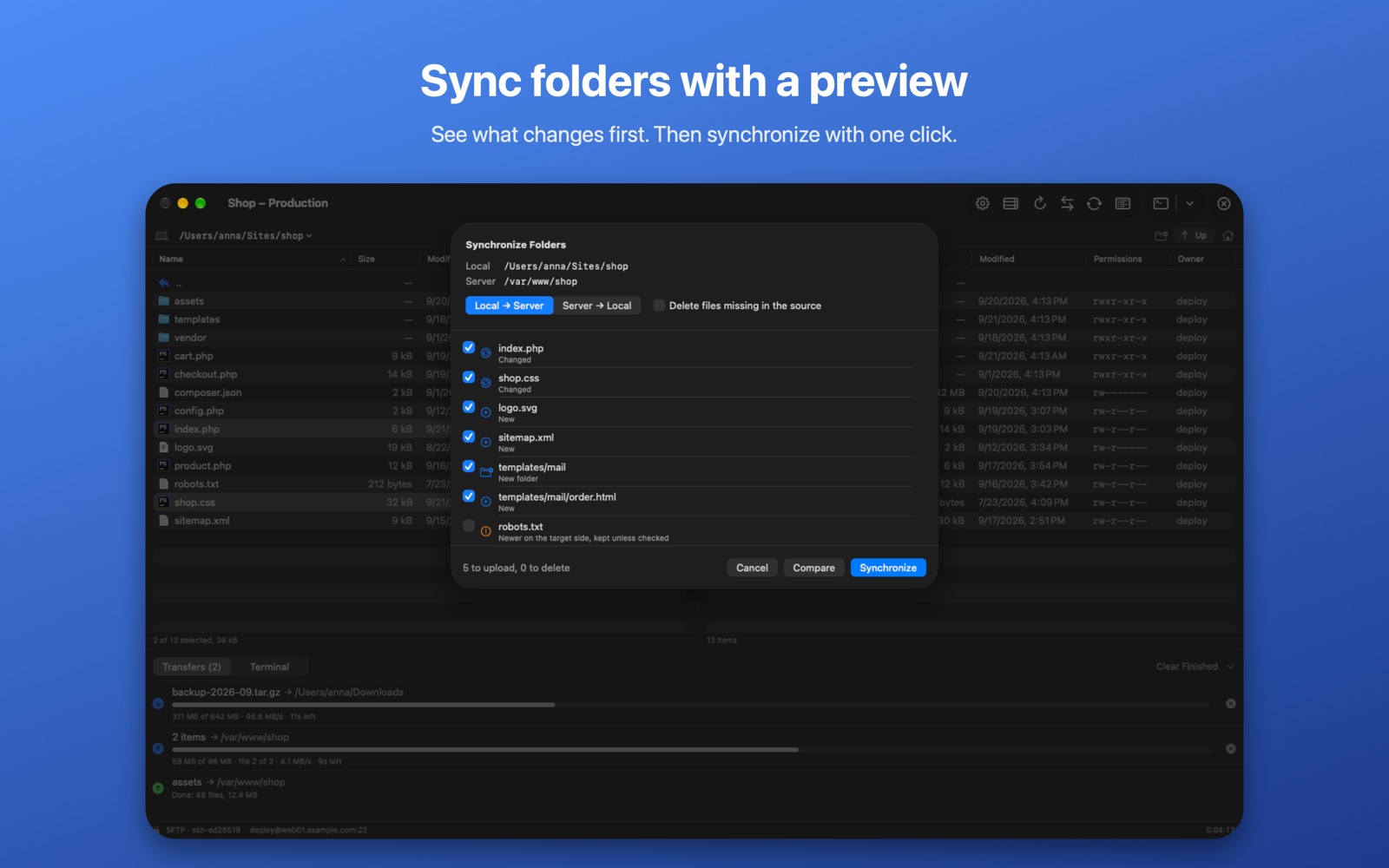
Compare a local and a remote folder, see exactly what changes, then synchronize.
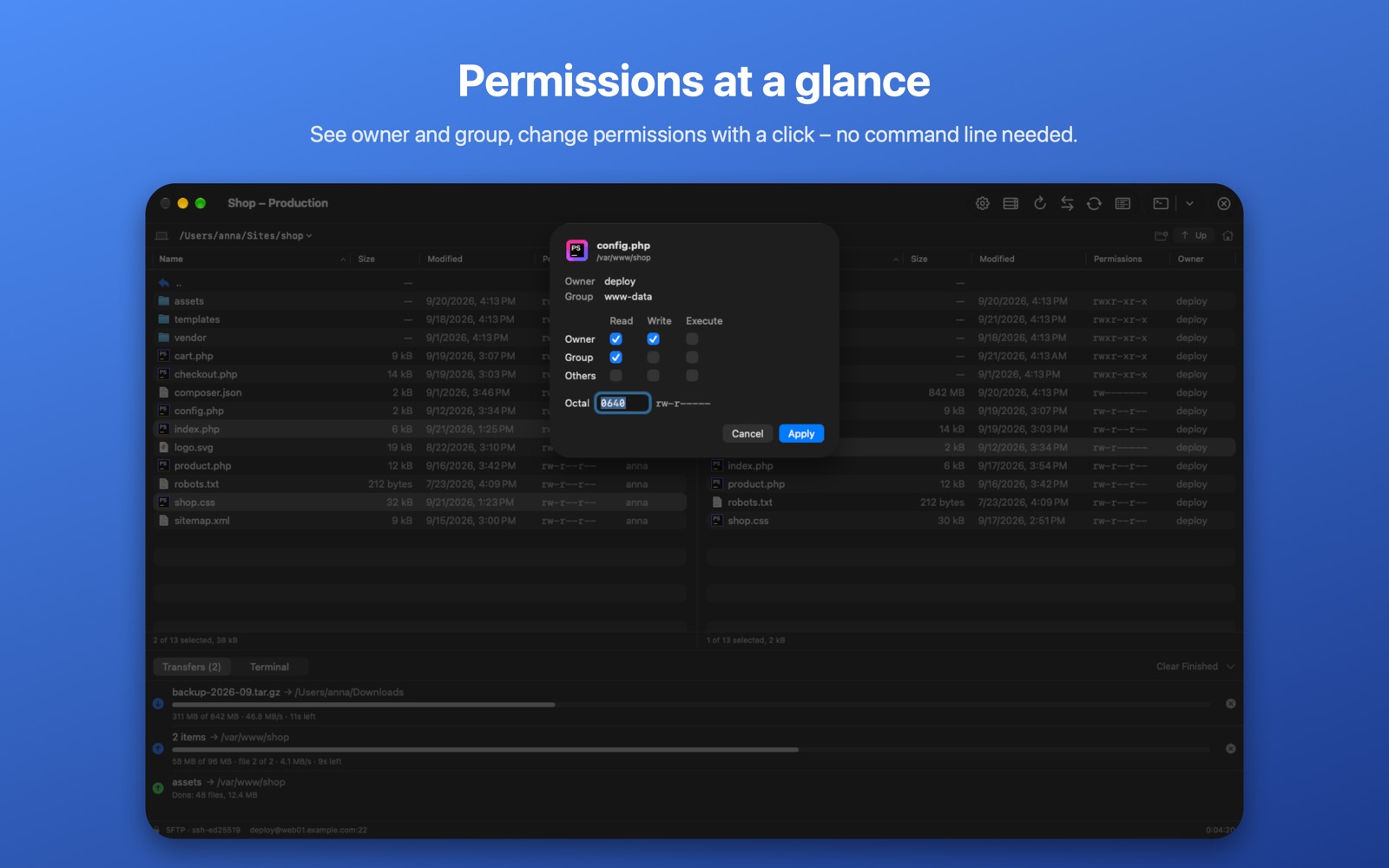
Passwords and keys stay in your Keychain. Server fingerprints are checked, and interrupted transfers resume.
No subscription, no in-app purchases, no pro version.
macOS 15 Sequoia or later, on Macs with Apple silicon or Intel.
Every server with SSH and SFTP – practically every Linux server, web host, NAS and Raspberry Pi.
Mac App Store apps only see the folders you choose. Choose your home folder once so SCPilot can show your files and read ~/.ssh.
No. Everything stays on your Mac. See the privacy policy.